


ZonSavvy MX Vertical Wireless Mouse Ergonomic Design
ZonSavvy MX Vertical Wireless Mouse Ergonomic Design


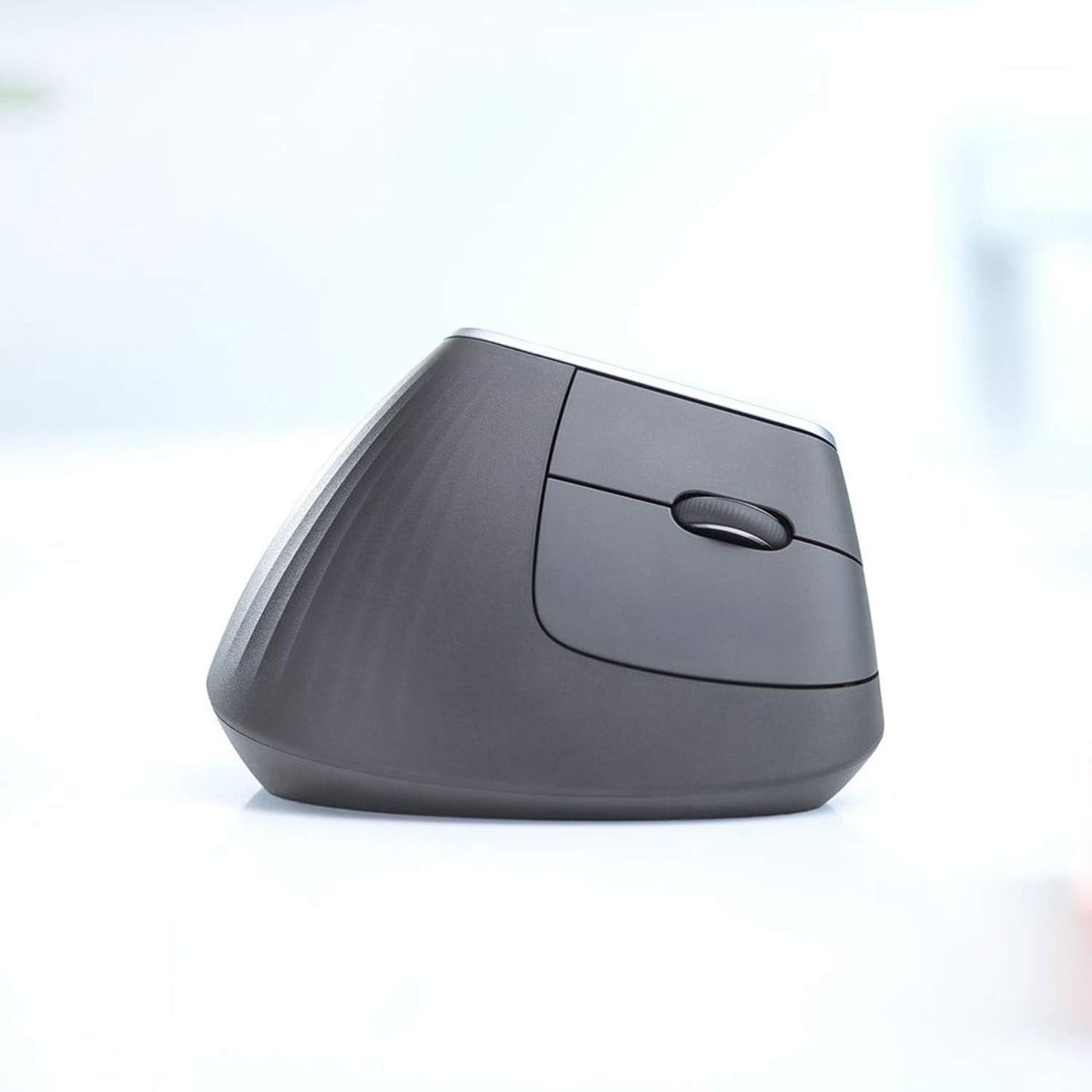
Key Features & Benefits
Tested and Approved by Ergonomists


See the Difference: A Closer Look


Experience in Action

Customer Review
Sample content for the headline section.

This mouse helped me with heaps at work. Using it on a 9 to 5 job. Only thing I wish it had was a infinity scroll option but other than that is nice and gentle on the wrist
—Camilo
Great for long hours of work, my hand does not get strained at all
—Sheriff Dean
Very comfortable, if you have problems with wrist pain, this will help to solve many of the problems
—david
This is a I'm prone to shoulder/wrist pain as someone who works long hours at a PC. I find a standard mouse and this vertical one can help alleviate, and prevent that pain.
—Eduardo
Free Asked Questions
What is the main benefit of a vertical mouse like the Logitech MX Vertical?
What is the main benefit of a vertical mouse like the Logitech MX Vertical?
The primary benefit is improved ergonomics. It's designed to keep your hand in a natural "handshake" position, which reduces muscle strain in your forearm and wrist. This can help prevent or alleviate discomfort associated with long hours of computer use, such as Carpal Tunnel Syndrome.
What is included in the box?
What is included in the box?
- Logitech MX Vertical Ergonomic Mouse
- Logitech Unifying Receiver (USB)
- USB-C Charging Cable
- User documentation
What are the main features and buttons on this mouse?
What are the main features and buttons on this mouse?
- Ergonomic 57° Vertical Angle: For comfortable, natural positioning.
- High-Precision Sensor: 4000 DPI optical tracking for accuracy on various surfaces.
- Customizable Buttons: It has multiple buttons (including a precision mode button) that can be programmed using Logitech's Options software.
- Cross-Computer Control: Use Logitech Flow software to control up to 3 computers (2 via Bluetooth, 1 via receiver) and seamlessly copy-paste text, images, and files between them.
- Ambidextrous? No, it is specifically designed for right-handed users.
Is there any software required to use this mouse?
Is there any software required to use this mouse?
No, you can plug in the receiver or connect via Bluetooth and use it immediately with basic functions. However, to unlock its full potential—like customizing button commands, adjusting pointer speed, and setting up Logitech Flow—you should install the free "Logitech Options" (or the newer "Logitech Options+") software.